 Old Phone Cam
An AlfredCamera alternative: honest differences
If you want an AlfredCamera alternative with no account, no cloud storage and QR pairing, Security Camera: Old Phone is one option for Android. As of November 2026, stay with Alfred if you need an iPhone as the camera, two-way talk, cloud event backup or two free cameras.
▶ Get it on Google Play Free download · Android 8.0 or newer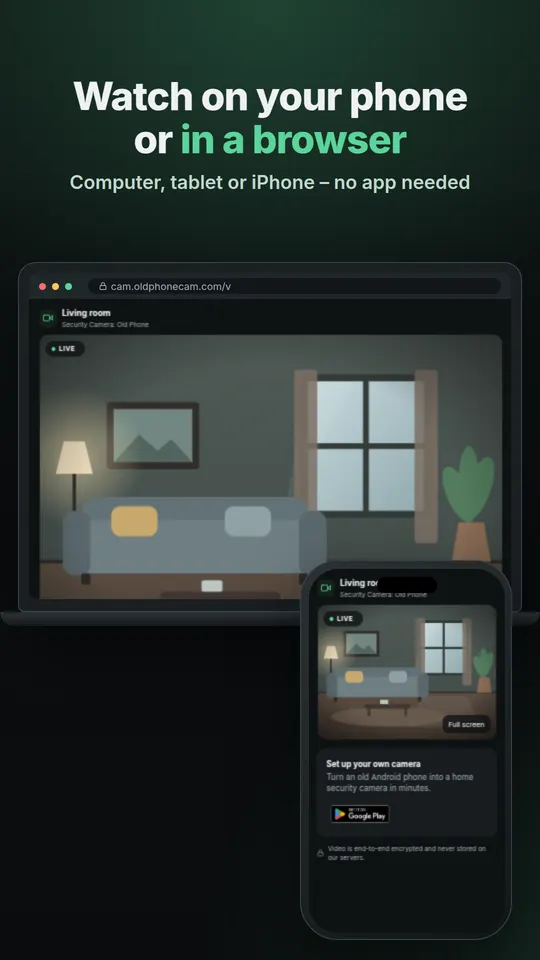
How to switch from AlfredCamera to an account-free app
- Save what you want to keepDownload any Alfred events you want to keep before you remove the app. Nothing moves across automatically between the two apps.
- Install Security Camera: Old PhoneInstall it on the old Android phone (Android 8.0 or newer) and on your Android viewer. An iPhone or computer can watch in the browser instead.
- Choose “As a camera” on the old phoneAllow the camera and notifications. There is no sign-up; the app goes straight to the pairing screen.
- Pair your viewerScan the QR code, enter the 6-digit code on the same Wi-Fi, or tap Share link to open the camera in a browser.
- Set motion sensitivityTurn on Motion detection and pick Low, Medium or High. Each event saves a snapshot to the Events list.
Where AlfredCamera is stronger
It is fair to start here, because these points decide it for many people. Alfred’s details are as of November 2026:
- iPhone as the camera. Alfred runs the camera on Android 5.0+ and iOS 12+. Ours needs Android 8.0+ for the camera.
- More free cameras. Alfred’s free plan allows up to two active cameras; ours allows one.
- Two-way talk. Alfred has push-to-talk. Ours has no audio at all.
- Cloud events. Alfred Premium stores events in the cloud (14 days on Standard, 30 on Plus), so they survive if the camera phone is taken or breaks.
- Smarter detection. Alfred Premium adds person, vehicle and pet detection. Ours is plain motion detection with three sensitivity levels.
- Its own hardware. Alfred’s AlfredCam devices have infrared night vision; on phones, its Low-Light Filter is a software filter, like our low-light mode.
Alfred also has a very large user base, with more than 50 million downloads on Google Play.
Where an account-free app fits better
People usually look for an Alfred alternative for one of a few reasons:
- No account. Our app has no sign-up and no email. Devices are paired directly by QR code, code or link, and you can remove any viewer in Settings › Connected devices.
- No video on a server. Live video goes end-to-end encrypted between your devices and is never stored on a server; motion snapshots and clips stay on the camera phone.
- Watching past events for free. As of November 2026, Alfred accounts created since 28 November 2023 need Premium to watch events back in the app. Ours shows the last 24 hours of events for free (30 days with Premium).
- A one-time purchase. Besides monthly and yearly plans, our Premium is available as a one-time lifetime purchase.
- Ads only in the viewer. The free version shows ads in the viewer only, never on the camera phone.
The trade-off: on our free plan, viewing and alerts work on your home Wi-Fi. Watching from anywhere needs Premium. More in remote viewing.
Who should pick which
As of November 2026, pick AlfredCamera if your spare phone is an iPhone, you want to talk through the camera, you need two cameras for free, or you want events backed up in the cloud.
Pick Security Camera: Old Phone if your spare phone is Android, you’d rather not create an account, you want video kept off servers, or you mostly check the camera from home and want to look back through free event history.
If you are unsure, try ours on the free plan first: it takes a few minutes and needs no sign-up. Both can run side by side while you decide; just don’t run them on the same camera phone at once, since only one app can use the camera. For a wider look that includes AtHome and IP Webcam, see our old phone camera app comparison.
AlfredCamera vs. Security Camera: Old Phone
| AlfredCamera | Security Camera: Old Phone | |
|---|---|---|
| Camera device | Android 5.0+ or iOS 12+ | Android 8.0+ |
| Watch on | Android/iOS app, WebViewer (Chrome, Edge, Safari) | Android app or any modern browser |
| Account | Required | None |
| Free cameras | Up to 2 active, basic resolution | 1 (home Wi-Fi) |
| Event playback on free plan | Needs Premium for accounts created since 28 Nov 2023 | Last 24 hours |
| Cloud event storage | Premium: 14 days (Standard) or 30 days (Plus) | None; events stay on the camera phone |
| Detection | Motion; Premium adds person, vehicle, pet | Motion, 3 sensitivity levels |
| Two-way talk | Yes | No (no audio) |
| Price | From $5.99/month or about $36/year | Monthly, yearly (3-day free trial) or one-time lifetime; local prices in Google Play |
AlfredCamera details as of November 2026, US prices (local prices may differ), taken from Alfred’s plans page, help center and store listings. Plans change; check the store before you buy.
Frequently asked questions
Is there a free alternative to AlfredCamera?
Yes. Our app is free for one camera on home Wi-Fi with live view, motion alerts and 24 hours of events, without an account. As of November 2026, IP Webcam’s free Lite version (with ads) is another option for streaming inside your Wi-Fi network.
How much does AlfredCamera cost?
As of November 2026 in the US, Alfred Premium starts at $5.99 per month or about $36 per year. Local prices may differ.
Is there an AlfredCamera alternative for PC?
With our app you watch on a PC in any modern browser: share a link from the camera phone and open it. See watching on a computer.
Does the alternative work with an iPhone?
An iPhone can watch in the browser, but it can’t be the camera. If you want to use an old iPhone as the camera, AlfredCamera is the better fit (it supports iOS 12+ as of November 2026).
Can I move my Alfred cameras over?
There is no import. Install our app on the camera phone, choose “As a camera” and pair your viewer again by QR code; it takes a couple of minutes.
Your old Android phone can watch your home tonight: install the app, scan one QR code, plug it in.
▶ Get it on Google PlayLast updated: